
Special fields
In addition to the fields that you create in the fields section, the module provides a number of other fields that you can use in your formula as well as in your php codes.
To access these extra fields, click the show more button in any formula panel
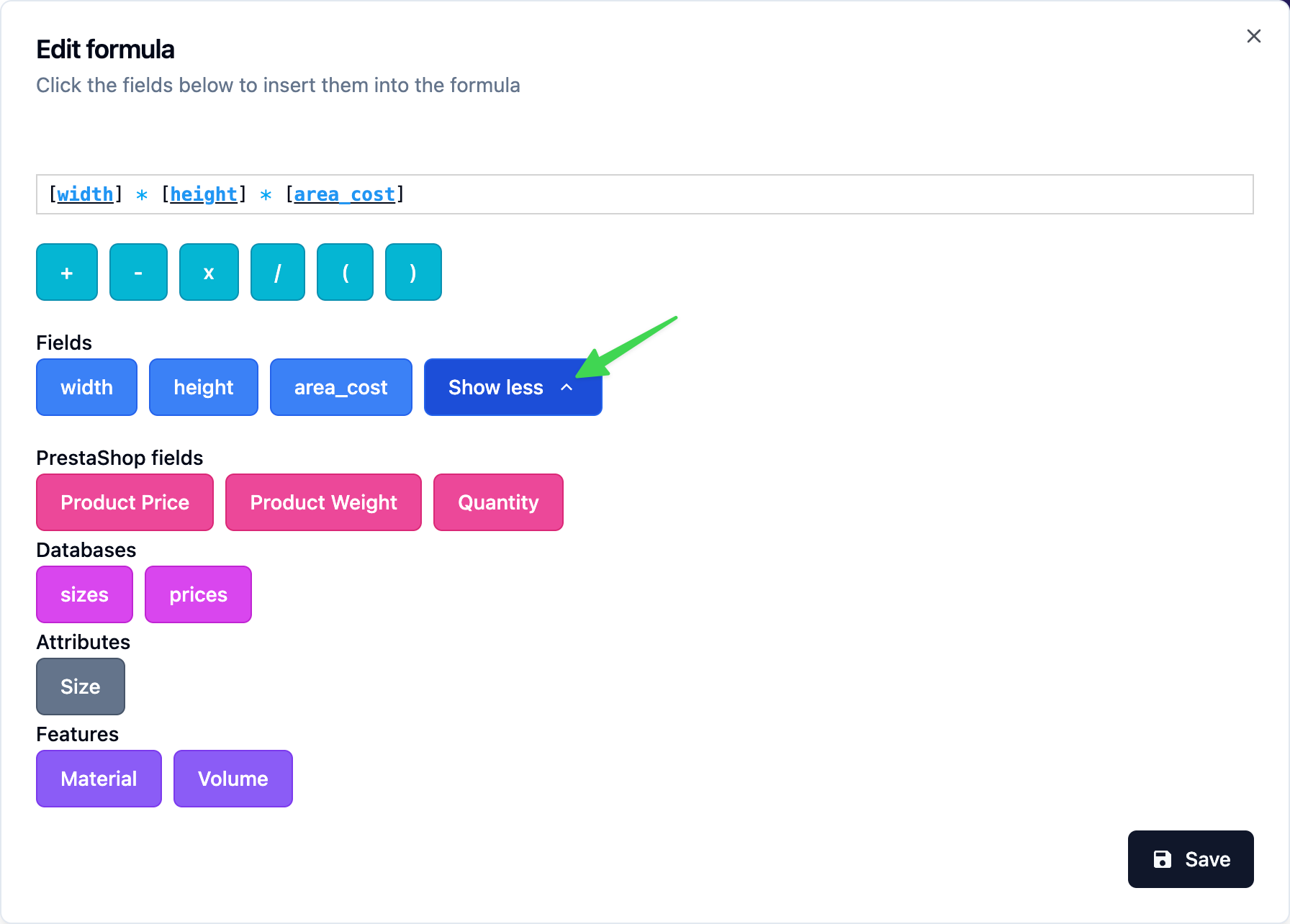
PrestaShop fields
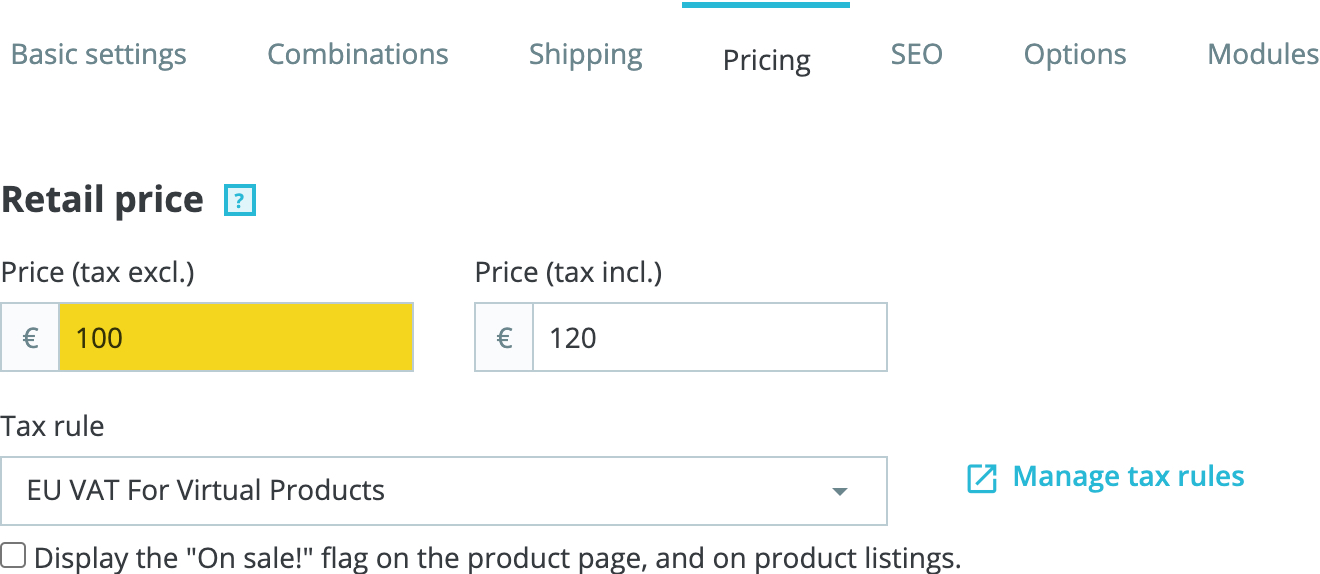
product_price
The original product price without taxes and without reductions
This price may contain the current combination price impact
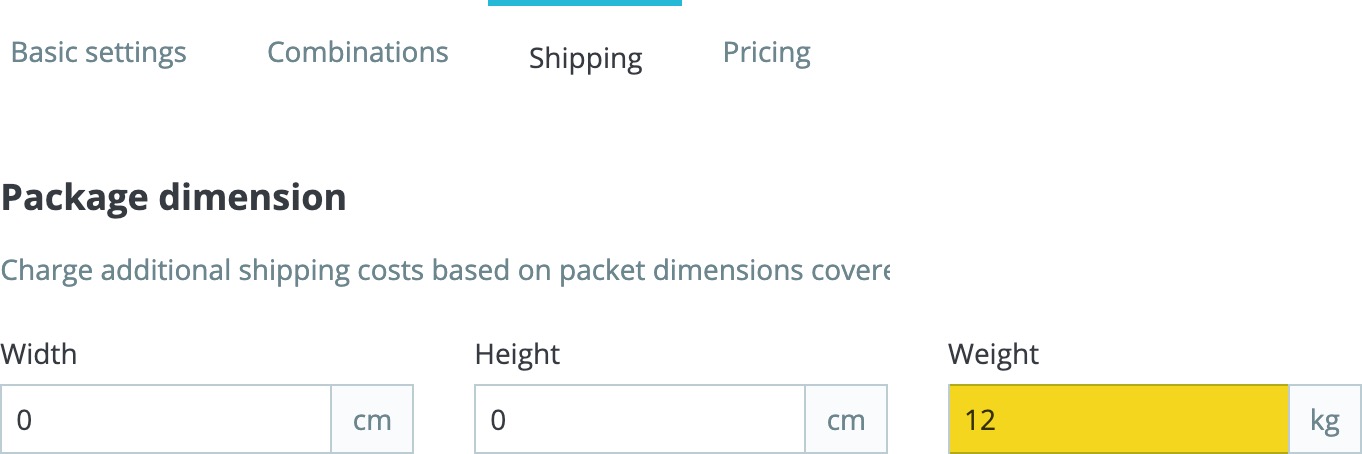
product_weight
The original product weight including the selected combination weight impact
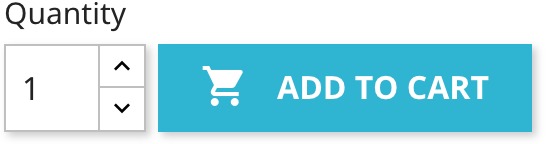
quantity
The quantity selected by the customer
Product attributes
This section will display the list of the attributes that are used by the current product combinations
The value of each field will contain the current value of the attribute that is selected by the customer.
The attribute names are prefixed by attribute_ and are transformed to lowercase and any accented characters or symbols are removed in order to comply with fields names rules.
Databases
This section will be displayed if you have csv files in the databases data folder.
Check the Grid function documentation to learn more
Features
Similar to the attribute names section, this section will display product features. The value of each field will contain the value of the corresponding product feature.
Hidden fields
changed
The module provides a field with the name changed which holds the name of the field that the customer changed in order to trigger the calculation
This field is also available in php, via the variable $changed
It's useful when you want to change the value of a field only when a specific field is changed.
Example: If the width is changed, set the height to double the width
[height] = IF( "[changed]" = "width", [width] * 2, [height] )step
You can create a field called step to use it to control the selected step.
Make sure to give your steps a unique name each.
Example: If the material picked is wood, then jump to step 3 called color, otherwise don't change the step
[step] = IF( "[changed]" = "material" & "[material]" = "wood", "color", "[step]" )