
Dynamic content
Using the HTML or the Feature fields, you can display dynamic content easily.
To do that, you can include your fields inside the configured content by surrounding the field name with brackets.
Example:
html
The area is [width] * [height] = [area]Conventions
You can add reference your fields in the html field by following these conventions:
| Tag | Content |
|---|---|
| [field] | field value |
| [[field]] | field secondary value |
| {field} | field options label (useful for dropdown fields for example) |
Config
- HTML config
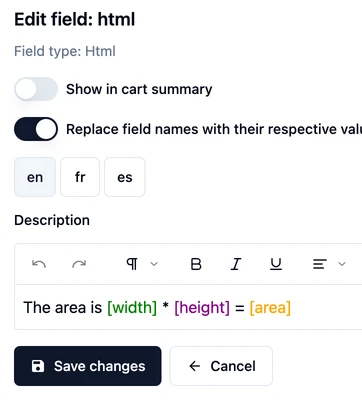
The fields will be displayed like this
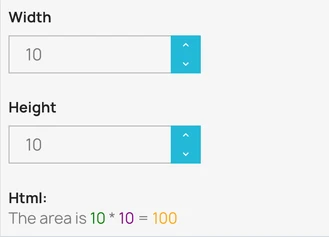
This can also be used in the field options labels and in the Feature field.